AI Fashion Image Generation: The Complete Guide

Moire··3 min read

Most AI-generated fashion looks terrible. Not because the models are bad, but because the prompts are.

Write "pretty dress" and you get a generic gown floating in white void. Write "bias-cut silk charmeuse midi dress, cowl neckline, ivory, editorial lighting, three-quarter angle" and you get something a designer could actually use as a starting point. The gap between those two prompts is fashion vocabulary, and that vocabulary is what separates useful AI output from the slop that fills Instagram.

This guide covers how to describe garments, fabrics, silhouettes, and styling decisions in language that AI image generators can work with. It is not a tutorial on any specific tool. It is about the vocabulary itself: what to say, why it matters, and where most people go wrong.

Why fashion vocabulary matters for AI

Image generators are trained on image-text pairs. The more specific your text, the more the model can narrow down what you want. "Silk" gives you something shiny. "Silk charmeuse" gives you something with weight and drape. "Silk organza" gives you something stiff and translucent. These are not subtle differences in a prompt. They produce completely different garments.

The same logic applies to silhouettes, construction details, styling, and lighting. Each layer of specificity cuts the space of possible outputs. Fashion has centuries of accumulated terminology for exactly this reason: designers need precise words to communicate precise ideas. AI generators need the same thing.

What this guide covers

We are building out a full series of articles on AI image generation for fashion. Each one goes deep on a specific topic:

  • Describing garments to AI — the vocabulary that produces results [coming soon]
  • Fashion prompting fundamentals — why vague prompts fail and how to fix them [coming soon]
  • Text-to-image vs image-to-image — picking the right workflow for your project [coming soon]
  • How AI handles fabric — silk vs satin vs charmeuse, and why it matters [coming soon]
  • Generating lookbooks — a step-by-step workflow [coming soon]
  • Lighting for AI fashion photography — studio, natural, and editorial setups [coming soon]
  • Mood boards with AI — making them actually communicate intent [coming soon]
  • Color palettes in generation — from hex codes to fabric reality [coming soon]
  • Fashion flats and technical drawings — what AI can and cannot do in 2026 [coming soon]
  • Silhouette control — A-line to cocoon [coming soon]
  • Consistent collections — maintaining a design language across generations [coming soon]
  • Print and pattern — houndstooth, paisley, ikat, and beyond [coming soon]
  • Styling AI output — accessories, layering, editorial context [coming soon]
  • Art direction — camera angles, composition, mood [coming soon]
  • Inpainting — editing garment details after generation [coming soon]

Each article links back here, and we update this page as new pieces publish. Check back, or start with whatever topic is most relevant to what you are working on.
All articles in AI Image Generation

Before and after inpainting comparison showing a neckline change on an AI-generated fashion image while the rest of the garment stays identical
inpaintingeditingtechniqueworkflow

Inpainting for fashion: editing garment details after generation

How to use AI inpainting to modify garment details after generation. Change a neckline, swap a fabric, or fix artifacts without starting over.

·6 min read
Moire
AI toolsfashion designworkflow2026

The best AI tools for fashion designers in 2026, by task

A practical comparison of AI and 3D tools for fashion research, concept development, garment visualization, fit, and campaign production.

·7 min read
A dramatically composed AI-generated fashion photograph showing considered camera angle, lighting, and model placement
art directioncompositionphotographyeditorial

How to art direct AI fashion shoots

Camera angles, composition, and mood: the art direction decisions that turn AI garment renders into fashion photography with a point of view.

·5 min read
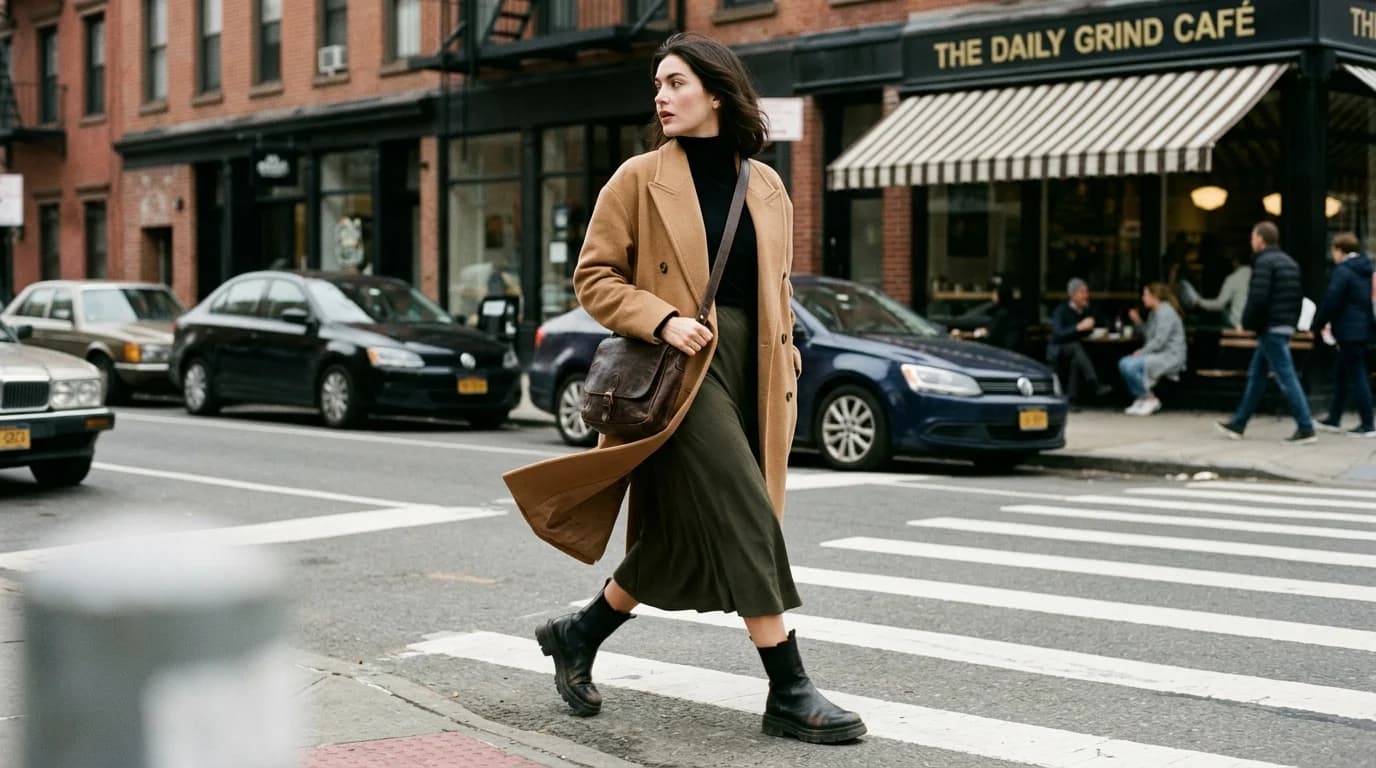
A styled AI-generated fashion image showing a layered outfit with coat over dress, demonstrating editorial context and accessory placement
stylinglayeringeditorialcontext

Styling AI-generated fashion

How to prompt for styled looks with layering, accessories, and editorial context that make AI fashion images feel like real shoots, not renders.

·7 min read
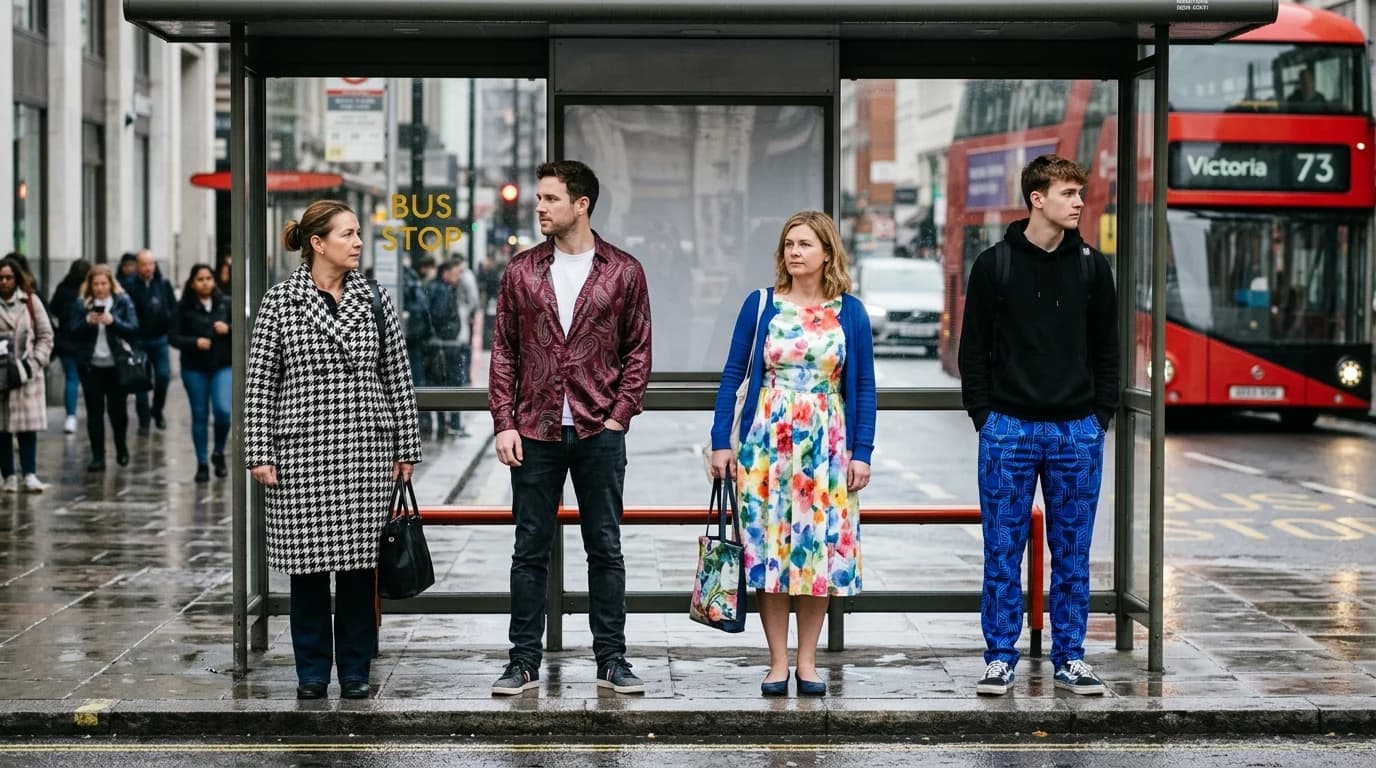
Four fabric swatches showing AI-generated textile patterns — houndstooth, paisley, floral, and geometric — demonstrating pattern rendering quality
printpatterntextileprompting

Print and pattern in AI generation

How AI handles houndstooth, paisley, ikat, florals, and other textile patterns. Which prints generate reliably and how to prompt for the ones that don't.

·6 min read
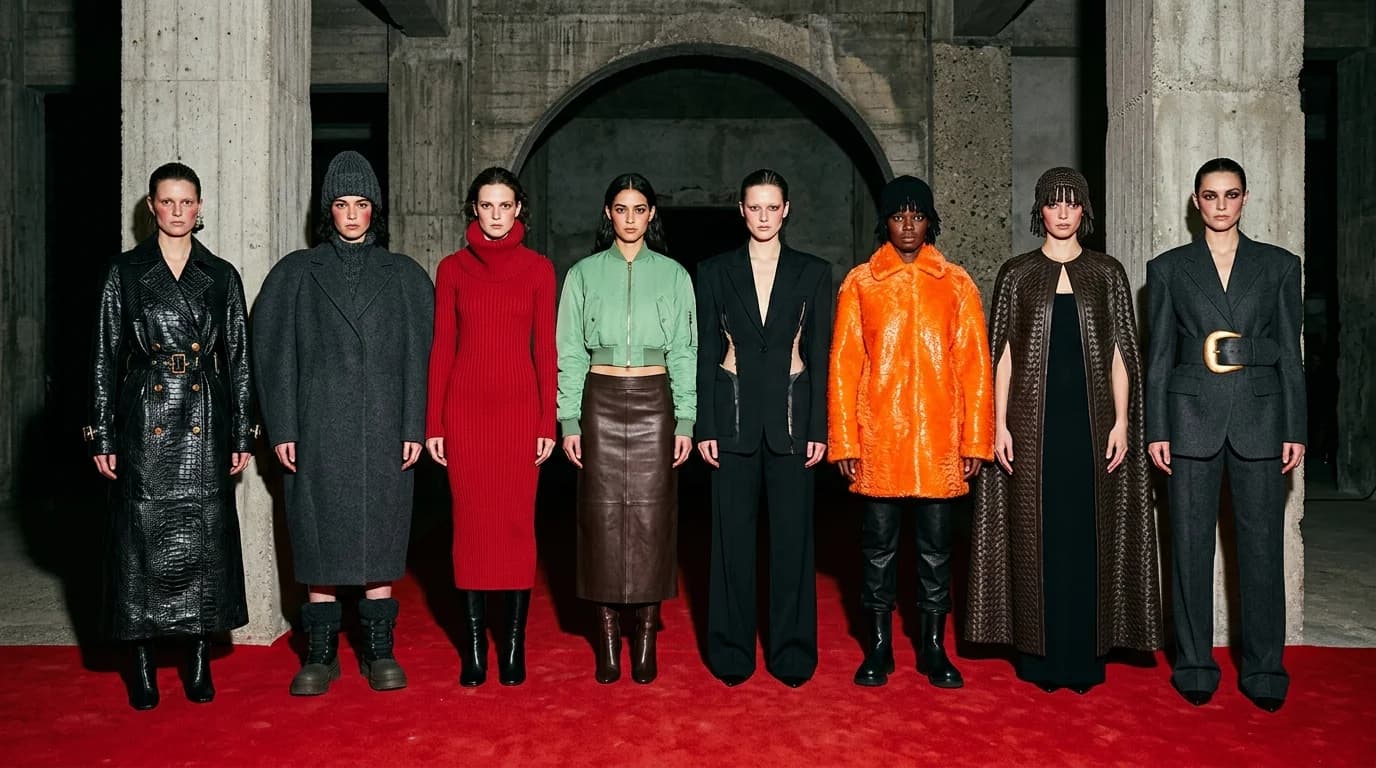
Eight models lined up after a show — intrecciato leather, sculpted coats, and candy-color accents over a dark base, one unmistakable collection DNA
collectionconsistencyworkflowdesign language

How to generate consistent collections with AI

Maintain a coherent design language across 10-20 AI-generated looks. Techniques for keeping silhouette, fabric, color, and styling consistent.

·5 min read
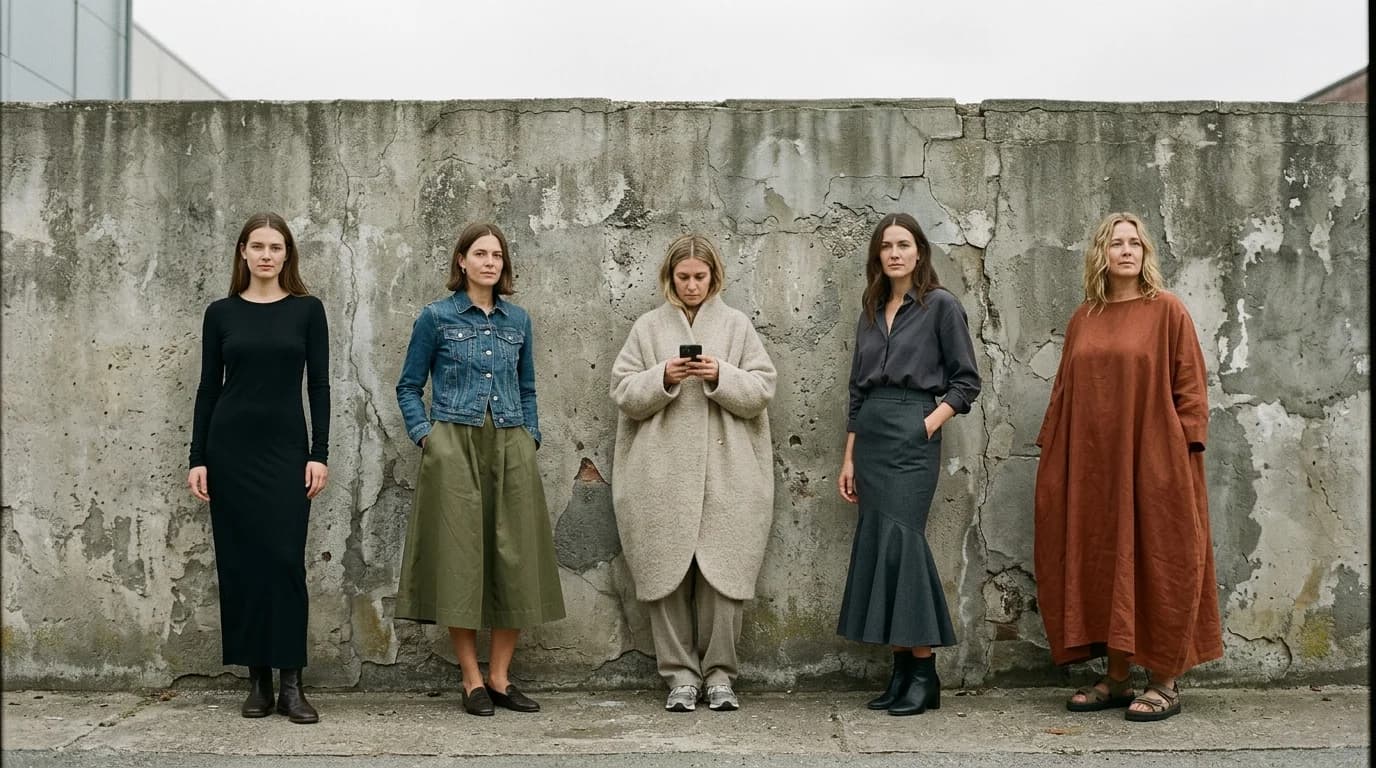
Five garment silhouettes side by side — A-line, column, cocoon, mermaid, and trapeze — showing distinct shapes in AI generation
silhouettepromptingtechniquecontrol

Silhouette control in AI fashion generation

How to get precise control over garment silhouettes in AI image generation. From A-line to cocoon, how to prompt for the exact shape you want.

·6 min read
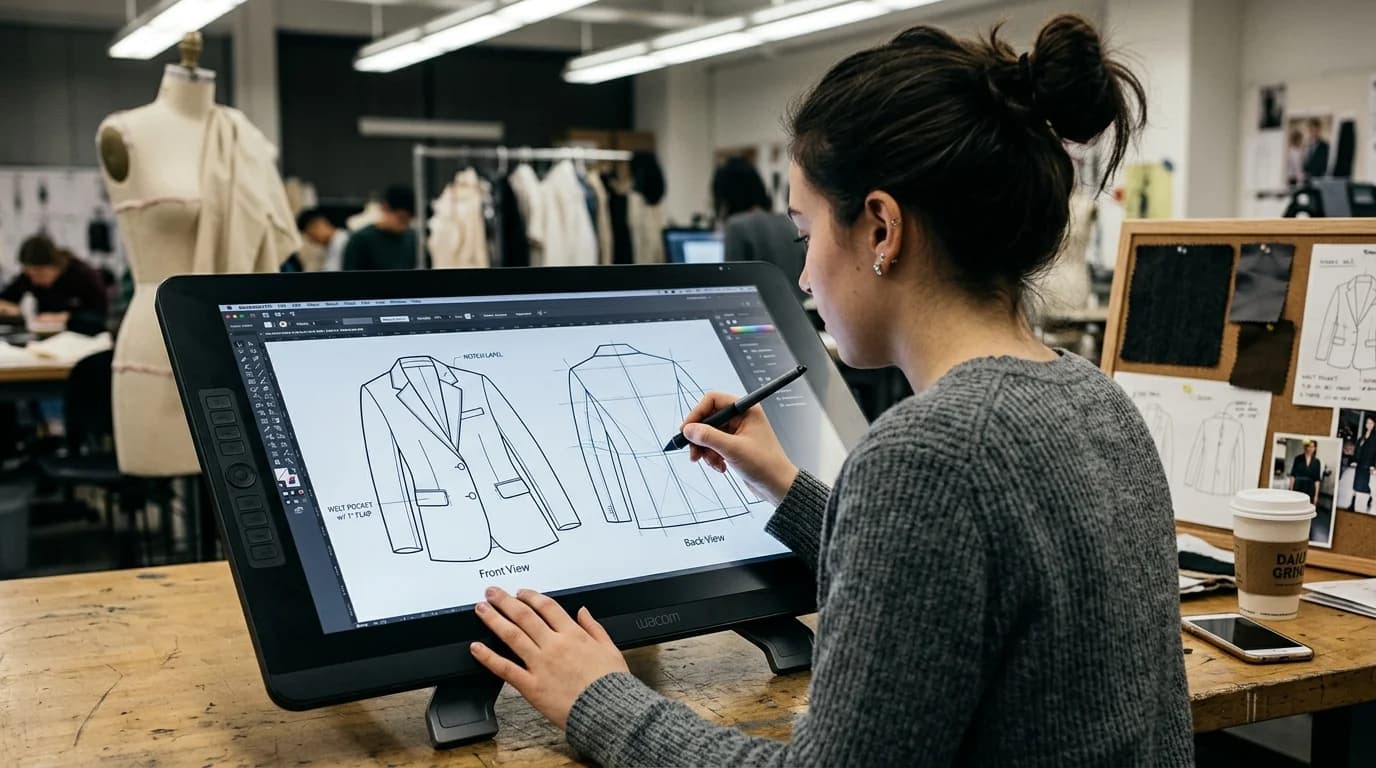
A fashion student drawing a blazer technical flat on a Wacom pen display, front view annotated, back view in progress
flatstechnical drawingworkflowdesign

AI fashion flats and technical drawings

What AI can and can't do for fashion flats and technical drawings in 2026. Where generation works, where it fails, and how to get usable technical illustrations.

·6 min read
A row of AI-generated fabric swatches in fashion-specific colors from champagne to oxblood to slate showing precise color naming
colorpalettepromptingtechnique

Color palettes in AI fashion generation

How to control color in AI-generated fashion. Fashion-specific color names, palette building, and why 'red dress' gives you the wrong red.

·6 min read
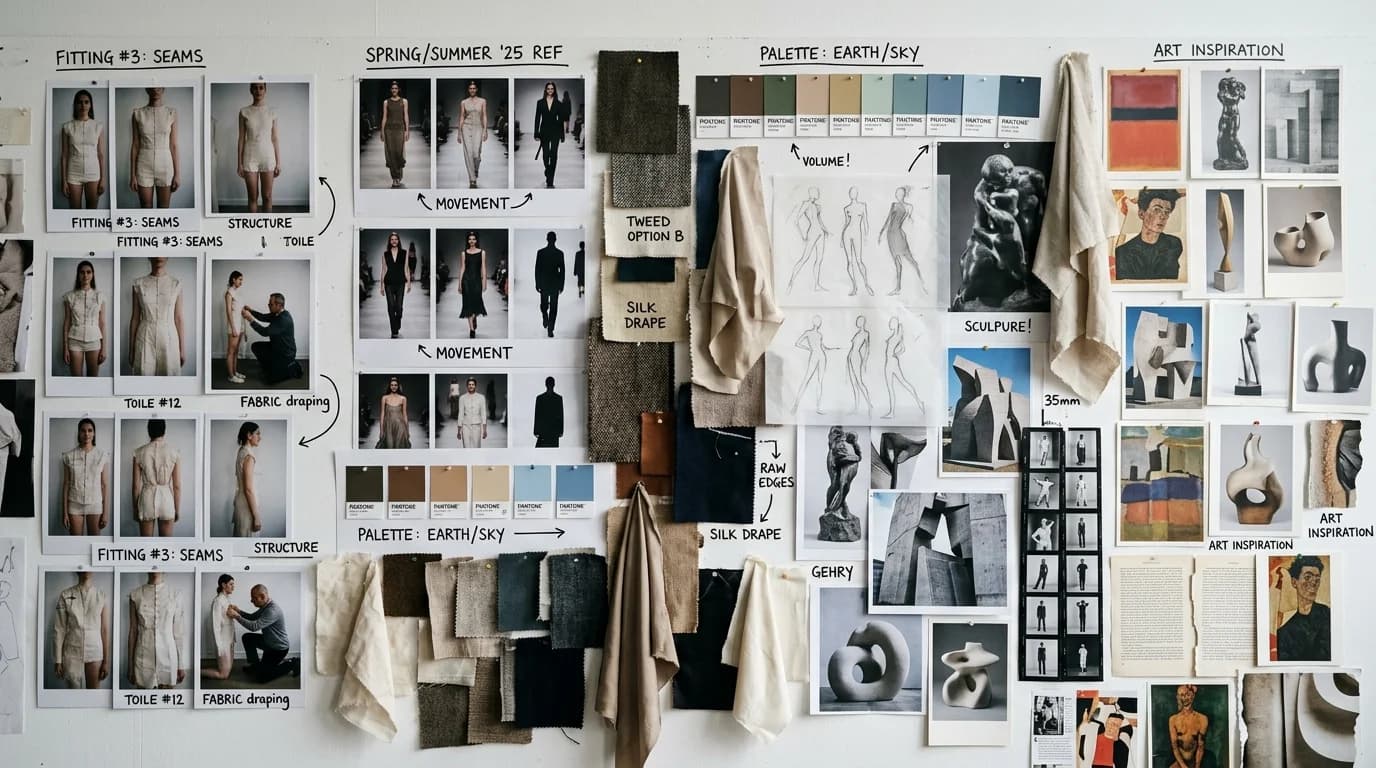
A creative director's mood board covering an entire studio wall — densely packed fitting Polaroids, runway stills, art references, fabric swatches, and handwritten notes
mood boardworkflowdesign processinspiration

How to use AI for fashion mood boards

Build fashion mood boards with AI that communicate your design intent. Move from vague inspiration to precise visual direction using generation.

·6 min read
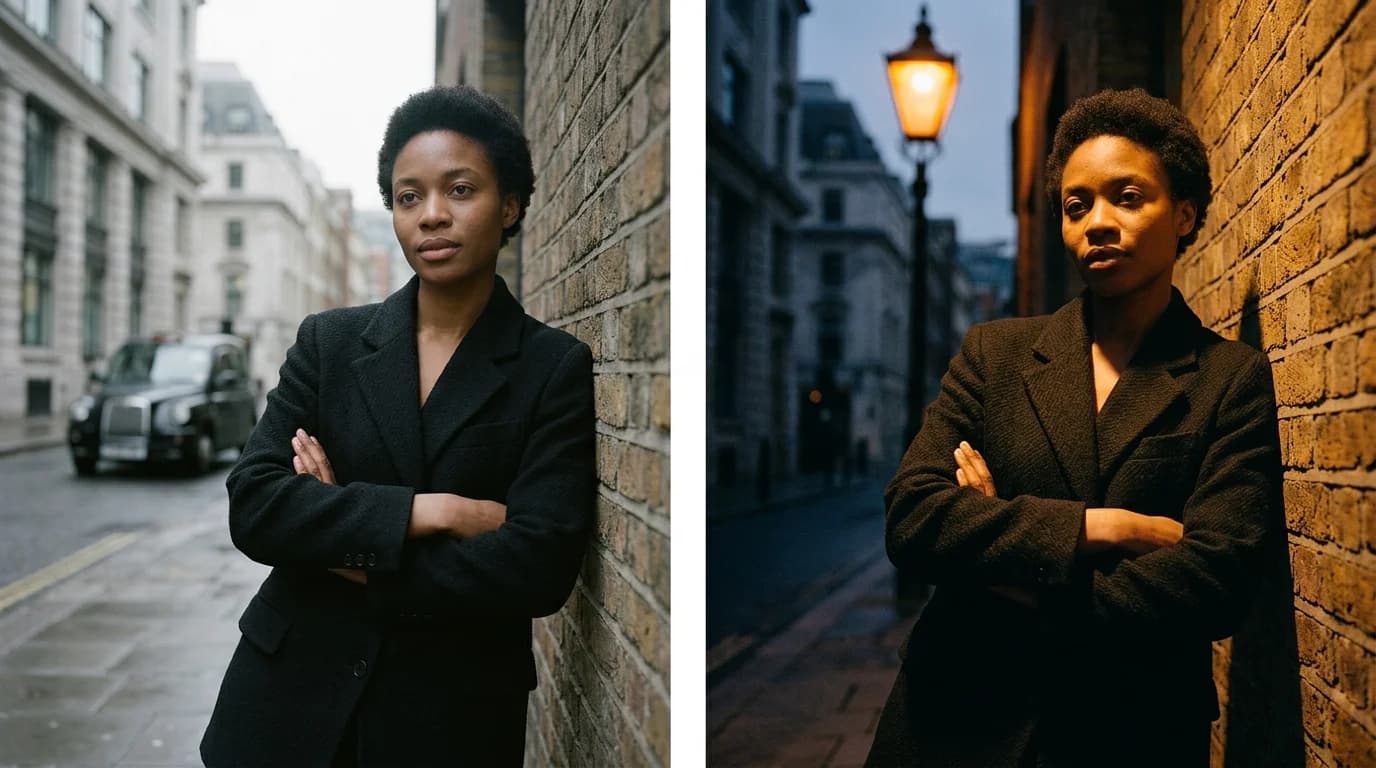
Split comparison of the same garment under soft diffused studio lighting versus dramatic side lighting showing how light changes the fashion image
lightingphotographytechniquestudio

Lighting for AI fashion photography

Studio, natural, and editorial lighting setups for AI fashion image generation. How to prompt for specific lighting that makes garments look real.

·7 min read
A designer's mood board with Polaroid fitting shots pinned in rows, handwritten notes marking hero looks for a campaign
lookbookworkflowcollectionconsistency

How to generate fashion lookbooks with AI

A step-by-step workflow for creating cohesive AI-generated fashion lookbooks, from visual language to consistency across 10-20 looks.

·6 min read
Three fabric swatches side by side showing the visual difference between matte silk crepe, high-sheen satin, and liquid silk charmeuse
fabricpromptingtextilevocabulary

Choosing fabric for AI fashion generation: silk, satin, charmeuse

Fabric is a design decision. This is the reference for which silks, wools, and synthetics render correctly when you generate fashion images — what to specify, what to avoid, what each fabric looks like.

·7 min read
A bias-cut silk gown showing the characteristic fluid drape of fabric cut on the diagonal grain
construction techniquesfashion historydraping

Designing on the bias: when to commit to the cut

The bias cut is a 45-degree decision with real cost implications. When to use it, which fabrics work, and how to specify it when generating images of bias-cut pieces.

·6 min read