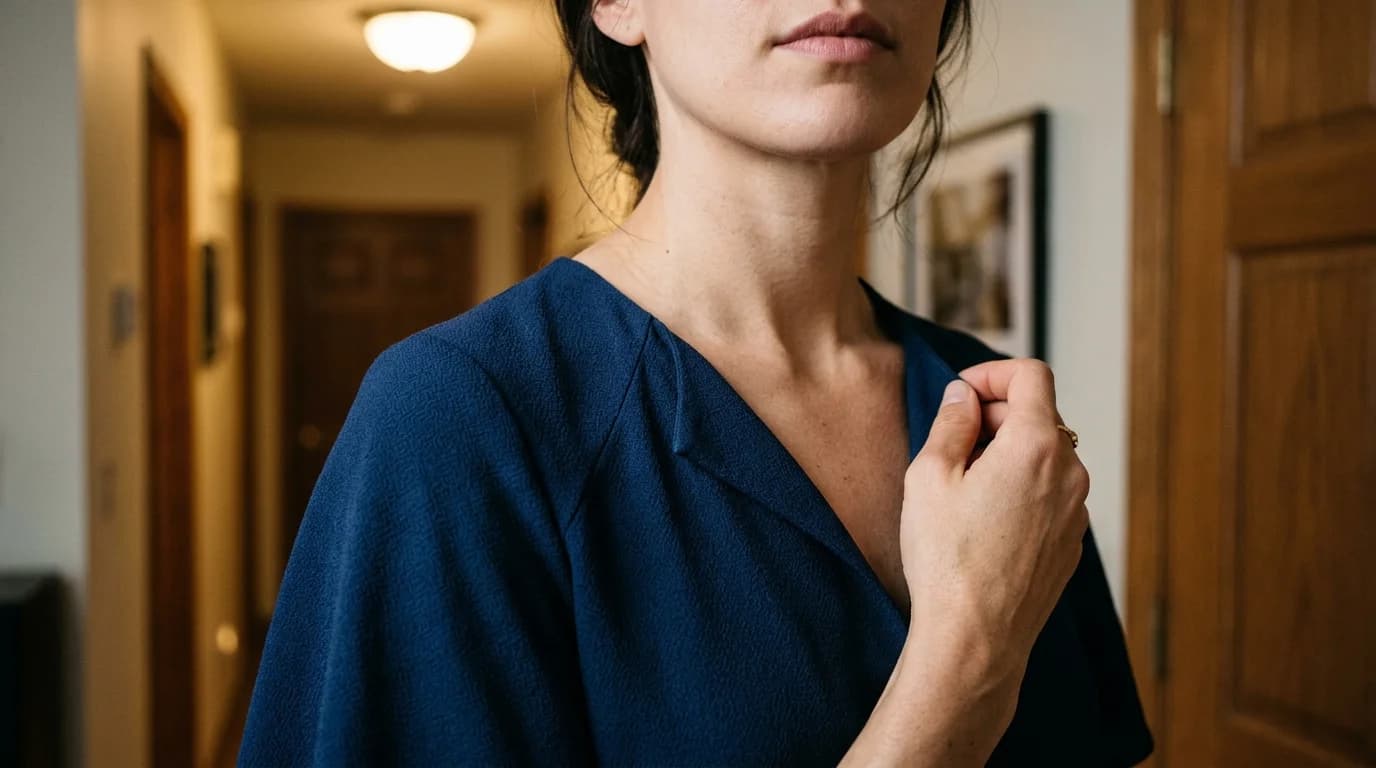
You generated a fashion image and 90% of it is perfect. The silhouette is right. The fabric is right. The lighting is right. But the neckline is wrong. Or there's a hand artifact. Or the hem looks unfinished. Regenerate the whole image and risk losing everything that works? Or fix just the broken part?
Inpainting is the fix-just-that-part option. Select a region, describe what should replace it, and the AI regenerates only that region while leaving everything else untouched. It's the surgical tool in AI fashion image generation, precision editing after the fact.
How inpainting works
You provide three things: the original image, a mask (selecting the area to change), and a prompt for what should appear there.
The AI regenerates the masked region to match your prompt while blending with the surrounding, unmasked image. The lighting, color temperature, and perspective of the surroundings carry into the inpainted region automatically.
This differs from full image-to-image generation. Image-to-image modifies the entire image. Inpainting modifies only the selected area. The rest stays pixel-for-pixel identical.
Fashion-specific use cases
Changing a neckline
Generated a dress but the cowl neckline you prompted for came out as a scoop? Mask the neckline area. Prompt: "cowl neckline with soft draped folds in silk charmeuse." The scoop becomes a cowl while the rest of the dress, the model, and the lighting stay intact.
This works because necklines occupy a small, well-defined area. The surrounding fabric and body give the inpainting strong context to match.
Fixing hand artifacts
AI-generated hands are the most common artifact in fashion imagery. Merged fingers, extra digits, impossible anatomy. Select the problem area, then prompt for either a corrected hand ("natural hand position, five fingers, relaxed") or a crop that removes the hand ("fabric of garment continues, no hand visible").
For hands on hips, inpainting to a more natural position against the garment often works better than regenerating the whole image.
Changing sleeve type
Mask the sleeve area. Prompt with the replacement: "bishop sleeve gathered at the wrist" or "dolman sleeve with deep armhole." The sleeve regenerates while the bodice, pose, and composition hold.
Sleeve changes work well when the replacement is similar in size to the original. Swapping a cap sleeve for a balloon sleeve requires a larger mask and more context for the AI.
Fabric swap on one section
Want to change only the skirt fabric while keeping the bodice? Mask the skirt. Prompt: "same A-line skirt shape but in taffeta instead of crepe, crisp structured fabric." The AI replaces the fabric rendering in the masked area while matching the lighting and perspective from the rest.
Removing background artifacts
A generation produces a clean garment on the model but the background has floating shapes, color splotches, or hallucinated objects. Mask the affected area. Prompt: "clean white studio background" or "continuation of the existing neutral gray background." The AI fills in a clean background that matches the surroundings.
What inpainting handles well
Small, well-defined changes. Neckline swaps, sleeve adjustments, color changes on specific panels, hand corrections, background cleanup. When the mask covers less than 30% of the image, the surrounding context provides enough information for a clean result.
Changes that match the surrounding style. If the image is editorial with dramatic lighting and you inpaint a detail that matches that aesthetic, the blend is invisible. The AI reads the surrounding pixels and matches their quality.
Iterative refinement. Inpainting can be applied multiple times. Fix the neckline first, then the hands, then a fabric detail. Each pass leaves previously fixed areas intact.
What inpainting struggles with
Large area changes. Replacing the entire garment through inpainting (masking everything but face and background) produces results similar to a new generation: inconsistent and unpredictable. If the whole garment is wrong, use full image-to-image instead.
Adding elements that change proportions. Inpainting a peplum onto a garment that didn't have one requires the AI to add volume beyond the original silhouette outline. The result often looks pasted on rather than integrated.
Matching complex patterns. If the garment has a houndstooth pattern and you inpaint a section, the pattern may not align with the original. Repeat scale and angle can shift at the mask boundary.
Consistency across multiple inpaints. Each pass is independent. Fix the left sleeve, then the right sleeve separately, and the two might not match because they were generated in different passes. Where symmetry matters, mask both sides in one go.
The inpainting workflow for fashion
-
Generate the base image with your full prompt (garment + styling + art direction).
-
Evaluate critically. What works? What doesn't? List every issue.
-
Fix the biggest issue first. The largest mask produces the most uncertainty, so tackle it while the image is still at original quality.
-
Work from large to small. Neckline change before hand fix. Hand fix before background cleanup. Each subsequent fix is smaller and more precise.
-
Check the edges. After each pass, zoom to 100% and inspect the mask boundaries. The inpainted region should blend invisibly. If there's a visible seam, expand the mask slightly and redo.
-
Know when to stop. Inpainting has diminishing returns. After 3-4 fixes, cumulative changes can degrade overall quality. If the image needs more than 4 passes, regenerate from scratch. The base wasn't close enough.
FAQ
What is inpainting in AI fashion generation?
Select a specific area of an AI-generated image and regenerate just that area while keeping everything else unchanged. You provide the original image, a mask (selection), and a prompt for what should replace the masked area.
When should I use inpainting instead of regenerating?
When 70% or more of the image is correct and only specific elements need fixing. Neckline changes, hand artifact fixes, sleeve adjustments, fabric swaps on one section, background cleanup. All good inpainting candidates. If the whole garment is wrong, regenerate.
How many inpainting passes can I do on one image?
Three to four before quality starts to degrade. Work from largest change to smallest. If the image needs more than four fixes, the base generation wasn't close enough. Start over.
Can inpainting fix AI hand artifacts?
Yes. Mask the problem area and prompt for a natural hand position. Or mask to remove the hand entirely by extending the garment fabric across the area. Hands on hips are the most fixable because the training data for that pose is strong.