↳ Moire / Seedream
Seedream for Fashion — Try-On and Variations, One Stage of Seven
Seedream is the try-on and variation engine from ByteDance — swap garments onto a model, generate colorways at speed, iterate fast. Moire is the app where try-on is one stage of seven in a full collection workflow.
TL;DR — Build a collection on Seedream. Moire routes through Seedream 4, Seedream 4 4K, and Seedream 5 in a 7-stage workflow that takes a designer from brief to lookbook in a day. Try-on and variations are the development stage. The engine is ByteDance's. The workflow is Moire's.
What is Seedream?
ByteDance · Seedream 5 (with 4 and 4-4K predecessors)
Seedream is ByteDance's image model line, available in Seedream 4, Seedream 4 4K, and Seedream 5 tiers. Its distinctive capabilities are fast iteration cycles (1-2 second generations on lower tiers) and fashion-flavored use cases like garment try-on (replace the outfit, keep the model) and rapid color/fabric variations on the same garment.
Where Seedream excels
- Fashion try-on — swap a garment onto a model while preserving identity, pose, and lighting.
- Rapid variations — generate 8-10 colorways or fabric options of the same garment in one batch.
- Fast iteration — Seedream 4's 1-2 second latency makes ideation runs cheap and frequent.
Where it falls short for fashion
- Try-on is the development stage of building a collection. Brief, design, editorial, campaign, distribution, and brand are six other stages that Seedream has no concept of.
- Fast iteration at the development stage is the engine's job. Sequencing those iterations inside a collection — who's seen what, which looks are locked, what the brief said — is the workflow.
- No lookbook output, no campaign stage, no brand kit. The try-on image is a development tool, not a finished collection deliverable.
How Moire fixes this
Moire is the app for building the collection. Seedream handles try-on and variation at the development stage; Moire holds the 7 stages around it — brief, design, development, editorial, campaign, distribution, brand. Designers lock looks at the development stage using Seedream's try-on output, then move to editorial, then campaign, all inside the same workflow. The result is a collection, not a folder of try-on images.
Routed through: Seedream 4 · Seedream 4 4K · Seedream 5
Same prompt. Different output.
Halston-lineage champagne-metallic jersey jumpsuit — draped cowl neckline, fluid jersey drape, knee-out leg flare. New York editorial direction.
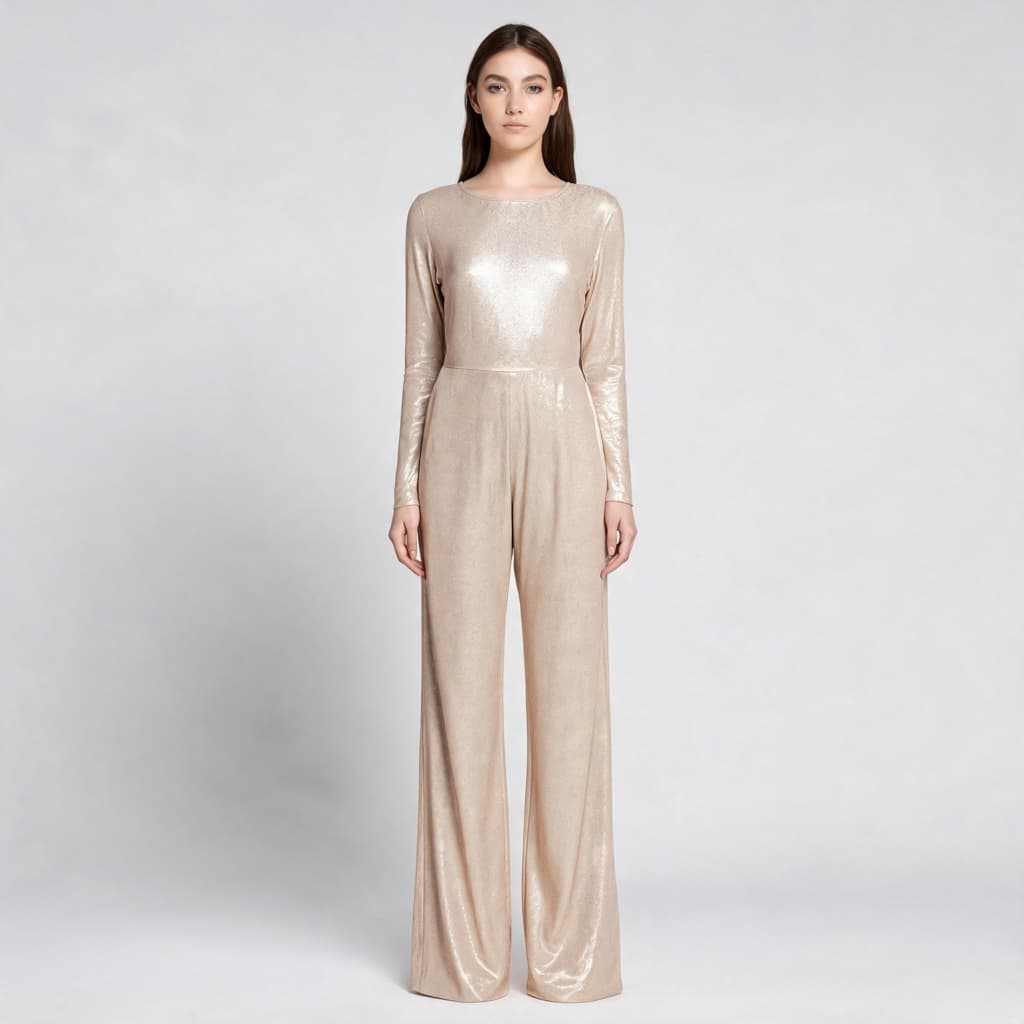
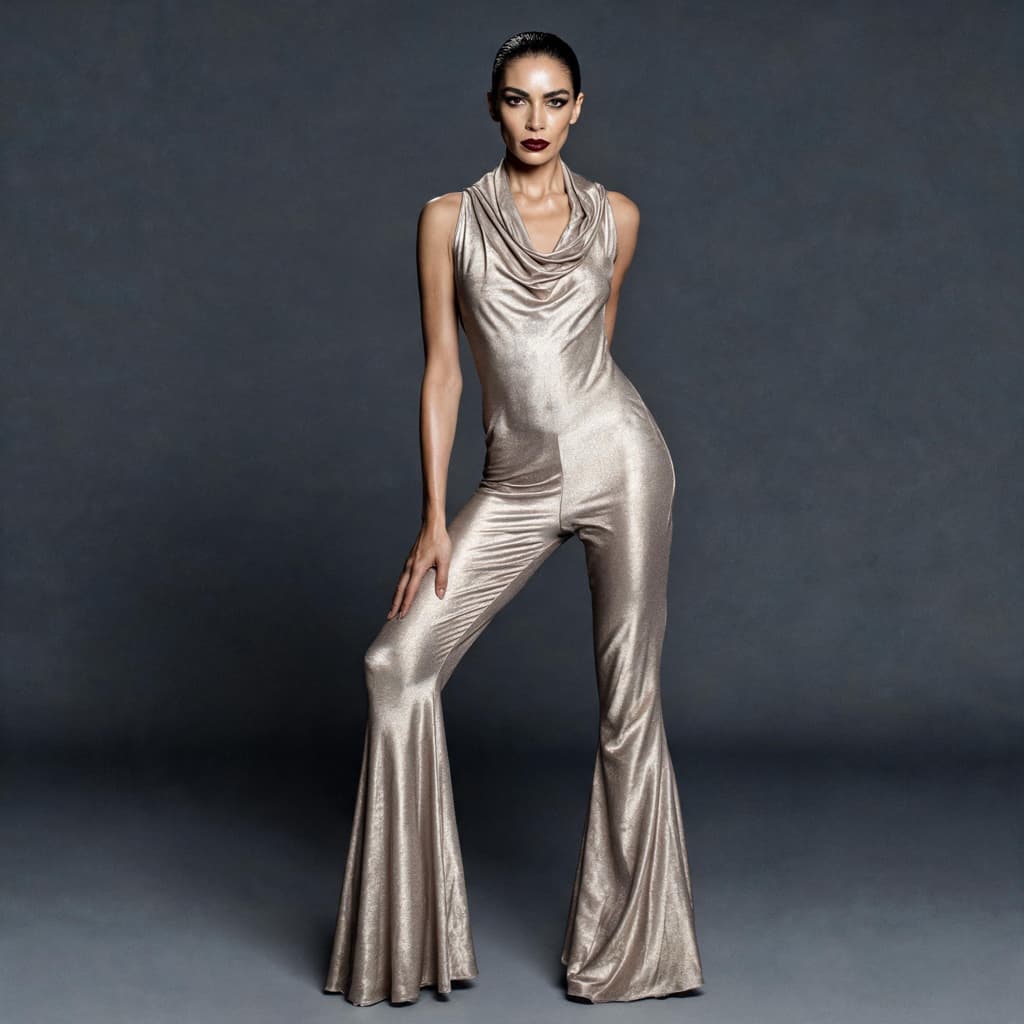
Same garment, same model. Without Moire: a clean try-on. With Moire: the cowl falls open, the jersey skims the body, the flare breaks at the knee — and the whole frame moves from product shot to campaign.
Side by side
Frequently Asked
AI fashion design — answered.
Build a collection with try-on and variations.
Seedream inside a fashion design app. Free to start.
Try Moire Free