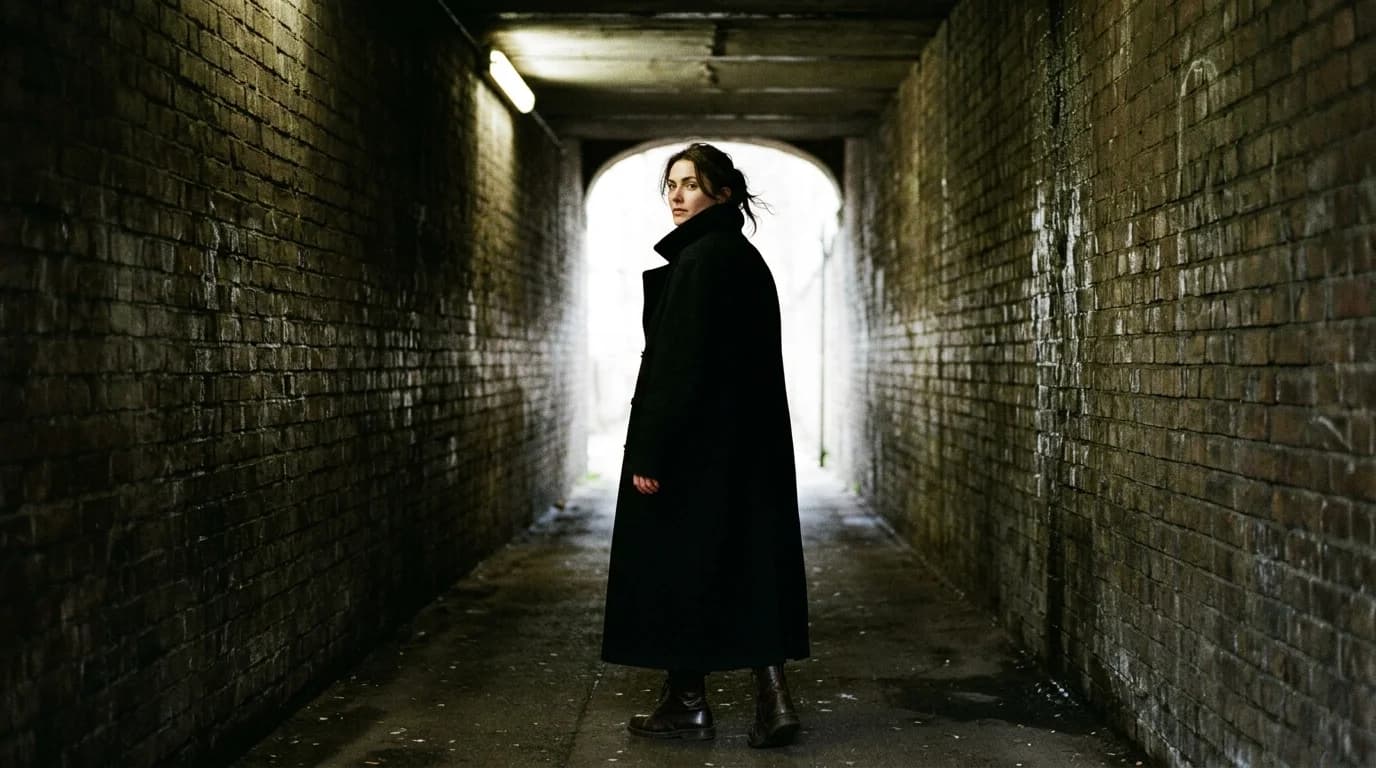
A real fashion campaign video runs $5,000-50,000. Models, photographer, videographer, studio, hair and makeup, post-production. If you sell $200 dresses, that budget does not exist. You either skip the campaign video or you make one with AI.
This guide covers the second option: how to produce campaign-quality fashion video with AI generation on zero budget. Not lookbook video (we covered that in the lookbook workflow). Campaign video. The aspirational, editorial, mood-driven stuff that lives on your homepage, runs as paid social, and carries your brand's visual story.
It won't match a $50,000 production. It can get close to a $5,000 one. Here's how.
What campaign video requires that lookbooks don't
Campaign videos sell a feeling. Lookbooks sell a garment. That difference drives every decision downstream.
Mood over product. A lookbook needs every seam and drape visible. A campaign needs you to feel something about the garment before you notice it. Dramatic lighting. Evocative locations. Slower pacing. The garment might flash on screen for three seconds in a 30-second spot, and that's enough.
Narrative structure. A 15-second campaign clip still has a beginning, middle, and end. Something shifts. An atmosphere thickens. AI makes this hard because it generates isolated clips, not sequences with dramatic arc. You build the arc in the edit.
Stronger visual identity. Your campaign has to look like YOUR brand, not like "AI fashion content." The visual language (color palette, lighting style, silhouette proportions) must be distinctive enough that someone could watch the video and name your brand without seeing a logo.
The zero-budget campaign workflow
Step 1: Write the creative brief (1 hour)
Before you generate anything, answer these:
What emotion should the viewer feel? Not "inspired." Be specific. "Quietly confident." "Uncomfortably beautiful." "Sunday afternoon in no hurry."
What's the single image that captures the campaign? Describe it in fashion vocabulary. That description becomes your anchor prompt.
What are the 3-5 shots that tell the story? Specific descriptions, not "beautiful establishing shot." Use the storyboard method.
Step 2: Generate the anchor frame (1 hour)
The anchor is the single most important image in the campaign. It goes on the homepage. It runs as a still ad. Everything else follows from it.
Generate it as a still image first with text-to-image. Spend time here. 15-20 generations, pick the best one. This image locks the color, lighting, and mood for everything that comes after.
Step 3: Generate the video clips (2-3 hours)
Take your anchor frame as visual reference and your storyboard as the shot list. Generate each clip with the same visual constants from the anchor (same lighting, same color, same model direction descriptions) plus camera movement and duration.
These shot types work for campaign video:
The atmosphere shot (3-5s). No model. Just environment: light on a surface, fabric over a chair, curtains drifting in a window. Sets the mood. Easiest to generate because there's no human to botch.
The garment in motion (3-5s). Model with minimal movement, fabric catching air. Your beauty shot. Slow, deliberate, focused on how the garment moves.
The detail (2-3s). Close-up push-in on fabric texture, a neckline, a construction detail. Adds intimacy and breaks up the rhythm of wider shots.
The context shot (3-5s). The garment in a setting. A model in a doorway, on stairs, moving through a space. Hardest to generate because you're combining human, garment, and environment in one frame. Keep them simple: static model, clean background.
Budget 3-5 attempts per clip. A 30-second campaign needs 5-7 clips. That's 15-35 total generations.
Step 4: Edit with intent (2-3 hours)
The edit separates campaign video from lookbook video. Post-production for campaigns needs a few things lookbooks don't:
Slower pacing. Let shots breathe. A 5-second clip that lingers on fabric movement reads as campaign. Cut it to 2 seconds and it reads as social content. Same footage, different impact.
Music as narrative. The music should build. Start quiet, layer in, peak at the key garment moment, resolve. That arc stitches disconnected clips into a story.
Color grading for mood. Grade harder than you would for a lookbook. Desaturate for minimalism. Push warm for intimacy. Cool for distance. The grade carries part of the story.
End on your strongest image. The last frame sticks. Make it the best garment shot or the atmosphere image that captures the brand.
Step 5: Export and deploy (30 minutes)
Homepage hero: 16:9, 15-30 seconds, autoplaying muted with an optional play button for sound. Loop it clean.
Paid social ads: 9:16 vertical, 15 seconds max. Lead with your strongest frame (the scroll-stopper). Close with the brand name or product shot.
Instagram feed/grid: 1:1 or 4:5, 15-30 seconds. This lives on your profile permanently, so quality matters more than length.
Where to compromise
Accept imperfect models. AI-generated people still look a little off. Frame to hide faces. Use profile views and downward gaze. The garment is the hero, not the face.
Accept limited locations. AI handles "studio" and "generic outdoor" well. Specific locations, a particular cafe or a named building, are unreliable. Work with what works: clean studio, neutral urban exterior, soft interior with window light.
Accept shorter duration. 15-30 seconds. That's the realistic range. Don't push for 60 seconds; the quality falls apart.
Don't accept bad fabric. If the fabric rendering looks wrong, regenerate. Fabric is the one thing you cannot fake in fashion video. A silk charmeuse dress that moves like a grocery bag will tank everything around it.
FAQ
Can AI produce campaign-quality fashion video?
Close. At its best, AI-generated campaign video sits in the $5,000-10,000 production range. It won't touch a $50,000 shoot with professional models, scouted locations, and a full crew. But for designers who can't afford any production at all, it beats an empty homepage.
How long should a zero-budget AI fashion campaign video be?
15-30 seconds. Five to seven clips at 3-5 seconds each. Shorter runs hold quality better because each clip gets real attention and the edit stays tight. Don't stretch to 60 seconds.
What's the most important thing to get right?
The mood. Campaign video lives or dies on feeling, not product display. Define the emotion first, then make every generation decision serve it. Color, lighting, pacing, music, all pointed the same direction.
How much does this actually cost?
Generation credits for 20-35 clips plus editing software. DaVinci Resolve is free. Royalty-free music runs $10-50. Total: under $100 in most cases, plus 6-8 hours of your time.