Camera movement is where most people give up on AI fashion video. They prompt for a tracking shot following a model down a corridor and get a melting hallway with a figure that changes proportions mid-stride. They decide AI video doesn't work for fashion.
It does. But the camera has to move in ways the model can handle.
Current AI video models are interpolation machines. They generate frames by predicting what comes next from what came before. Smooth, predictable camera paths give the model a clear trajectory. Sudden direction changes, handheld shake, or multi-axis movements overwhelm the prediction and create artifacts.
This guide covers which camera movements work for AI fashion video, how to prompt for each, and how to combine them when you storyboard your shots.
The movements that work
Static shot
No camera movement at all. Locked tripod. The only motion comes from the subject: a slight weight shift, hair in a breeze, fabric catching light.
Static shots give you the cleanest output. The AI only needs to handle subject movement, and with a mostly stationary model, there's very little to get wrong. Use them for detail close-ups, fabric texture reveals, and posed lookbook frames where the garment should hold all the attention.
Prompt language: "static camera," "locked tripod," "no camera movement"
Orbit
The camera moves in an arc around a stationary subject. A 90-degree orbit shows front to side. A 180-degree orbit shows front to back. A full 360 is possible but risky past 8 seconds.
Orbits are the workhorse of AI fashion video. The movement is smooth, circular, predictable. The AI knows where the camera is headed at every point in the arc. A storyboarded 90-degree orbit around a model in a structured blazer with notched lapel gives you usable footage almost every time.
The catch: keep the model stationary. If the model moves while the camera orbits, the AI tracks two independent motions at once. Results degrade fast.
Prompt language: "slow 90-degree camera orbit at eye level," "camera orbiting from front to side view," "180-degree orbit around subject"
Push in / pull back
The camera moves straight toward or away from the subject. A push in starts wide and ends close. A pull back starts close and ends wide.
These work because the path is linear. No curves, no direction changes. A push in from a full-body shot to a fabric detail close-up is one of the most reliable AI video shots for fashion. The garment gets larger in frame but doesn't change angle, which keeps the interpolation simple.
Speed matters. Slow pushes over 4-6 seconds give you clean footage. Fast pushes at 2-3 seconds sometimes warp as the AI struggles to scale details quickly enough.
Prompt language: "slow camera push in from medium shot to close-up," "gradual pull back from detail to full body," "slow zoom in over 5 seconds"
Tracking (lateral)
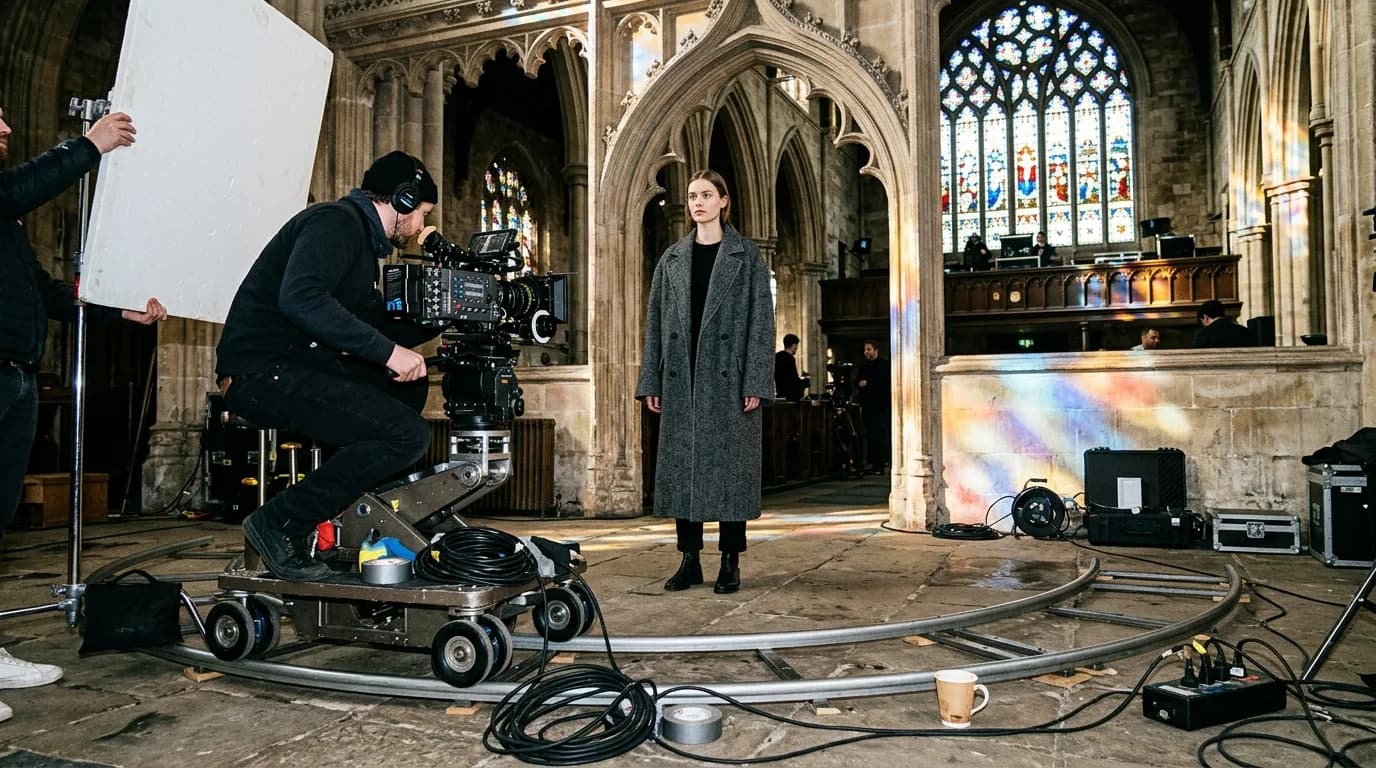
The camera slides sideways, parallel to the subject. Picture a dolly track, camera moving left to right, subject facing forward.
Lateral tracking works when the movement is slow and the subject is stationary or walking at matched speed in the same direction. Good for showing a full outfit from a steady angle while adding visual motion.
Where it breaks: fast lateral tracks, or a subject walking perpendicular to the camera. Parallax shifts too fast for the AI to interpolate cleanly.
Prompt language: "slow lateral camera track from left to right," "dolly tracking shot, camera moving sideways"
The movements that break
Handheld / shaky cam
Random, irregular motion. The AI has to generate frame-to-frame jitter that looks natural. It can't. Artificial handheld either looks perfectly smooth (defeating the purpose) or introduces distortion. Avoid entirely.
Vertical crane / boom
Camera rising from ground level to overhead, or descending from above. Vertical movement changes the perspective angle dramatically between frames, forcing the AI to regenerate the garment from a new viewpoint at each step. Garments change shape. Floors warp. Skip it for fashion.
Quick direction changes
Any shot where the camera reverses mid-clip. Pan left then pan right. Push in then pull back. The AI plans its interpolation along the initial trajectory. A reversal breaks that plan and leaves a visible glitch at the transition.
Following a moving subject
Camera tracking a model who's walking toward it, past it, or away from it. Two simultaneous motions are too much. Proportions shift, fabric teleports, the garment changes between frames. The one exception: camera and model moving at exactly the same speed in exactly the same direction.
Combining camera and subject motion
The rule: only one thing should move at a time. Either the camera moves and the model is still, or the model moves and the camera is still.
This constraint matters more than any other for AI fashion video. Every exception costs you quality. A static camera filming a model taking two slow steps forward works. A slow orbit around a stationary model works. A tracking camera following a walking model usually doesn't.
One partial exception: a pull-back at matched speed with a model walking toward camera. Both move along the same axis at the same pace, so relative position barely changes. You get a convincing "model approaches" shot. Keep it to 3-5 seconds.
Camera height and angle
Eye level is the default and the most reliable. AI training data skews heavily toward eye-level fashion photography.
Low angle (looking up) makes the model appear taller and more imposing. Strong for dramatic, editorial content. Low-angle fashion photography exists in the training data, so results hold up. Keep the camera stationary.
High angle (looking down) foreshortens the figure and emphasizes the garment's top half. Less common in training data, so less reliable. Can work for flat-lay-to-model transitions.
Dutch angle (tilted) adds tension but rarely appears in fashion. The AI can handle it, but the tilted horizon sometimes drifts over the clip's duration. Not recommended past 3 seconds.
Prompt templates by shot type
Lookbook orbit: "Model wearing [garment], standing centered, slow 90-degree camera orbit at eye level from front to side view, soft studio lighting, [duration]"
Detail push-in: "Close-up of [garment detail], slow camera push in from medium to extreme close-up, static subject, [lighting], [duration]"
Walk toward camera: "Model wearing [garment], walking slowly toward static camera, eye level, [lighting], [duration]"
Lateral track: "Model wearing [garment], standing centered, slow lateral camera track from left to right at eye level, [lighting], [duration]"
FAQ
Which camera movement works best for AI fashion video?
The orbit. Smooth, predictable, and it shows the garment from multiple angles without requiring the model to move. A 90-degree orbit at eye level around a stationary model gives you usable footage almost every time.
Can AI fashion video handle handheld camera motion?
No. Irregular, jittery movement either renders as artificially smooth or creates distortion. If you want a handheld feel, add subtle stabilization shake in post to static or orbit footage.
How fast should camera movement be in AI video?
Slow. A 90-degree orbit should take 4-6 seconds. A push in from medium to close-up should take 4-5 seconds. Fast camera movement creates warping because the AI can't interpolate frame-to-frame changes quickly enough.
Can the camera and model move at the same time?
Generally no. One thing moves at a time. The exception is a matched-speed pull back where the model walks toward camera, keeping relative distance roughly constant. Even then, keep it to 3-5 seconds.