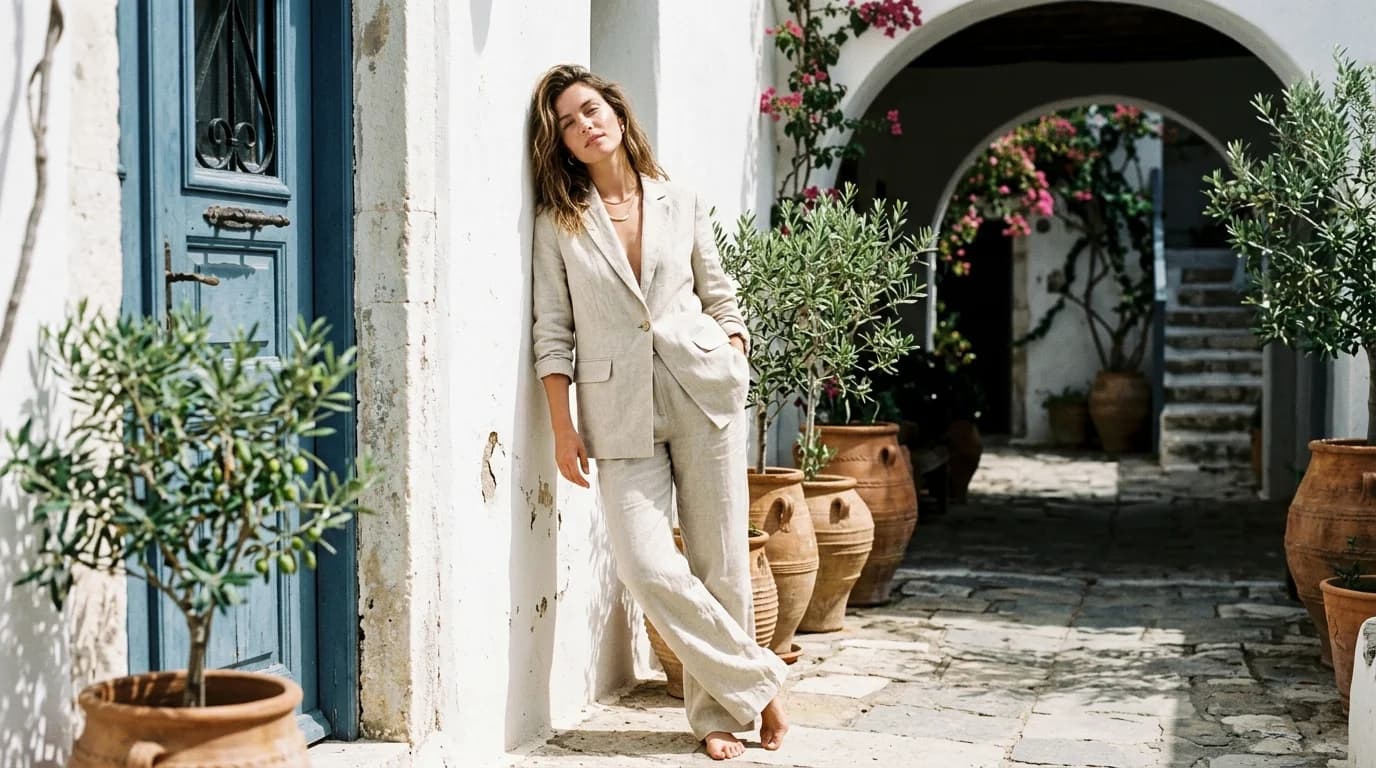
A lookbook video works like a lookbook image series in motion: multiple garments, one visual language. Same lighting, same camera style, same model presentation. The garments change. Everything else stays locked.
Consistency in AI video demands more discipline than in images. Each clip generates independently. Lighting drifts, the model's appearance shifts, camera speed varies. Five clips that each look fine alone will feel incoherent once you cut them together.
Here's the production workflow for AI-generated lookbook videos that hold together as a sequence. It builds on our guides to storyboarding, camera movement, and fabric in motion.
The setup: before you generate anything
Define three things in writing before you open any generation tool.
The garment list. Which pieces are you showing? Write each garment description with precise fashion vocabulary. These descriptions get copy-pasted into prompts, so get them right now.
The visual constants. Lighting setup, camera behavior, model presentation, background. These repeat verbatim across every clip. "Soft diffused studio light, single key light from upper left, neutral gray background, model standing centered, slow 90-degree orbit at eye level." That exact string goes into every prompt.
The shot structure. How many clips per garment? Two works best for a lookbook: one wide establishing shot (full silhouette) and one detail shot (fabric texture or construction). More than two per garment and you're making a campaign film.
The production pipeline
Generate the anchor clip
First garment, first clip. Give this one extra attention. It sets the standard for everything after it.
Write the full prompt: garment description + visual constants + camera movement + duration. Generate 5-8 variations. Pick the one where lighting, fabric rendering, and camera speed all feel right. Every clip that follows will be measured against this one.
Match every subsequent clip
For each remaining garment, copy-paste your visual constants word for word. Change only the garment description.
The most common consistency killer is casual rewording. "Soft studio light" in one prompt and "diffused studio lighting" in another can produce noticeably different results. Use identical language. Every time.
Budget 3-5 generation attempts per clip. Watch for:
- Lighting direction that matches your anchor
- Camera speed that matches your anchor (the orbit should not be faster or slower)
- Background tone that matches your anchor
- Fabric behavior appropriate to the textile
Reject any clip where the lighting feels different from your anchor, even if the garment rendering looks good. Consistency beats any single clip's quality.
Generate detail clips
For each garment, generate a second clip: a push-in from medium to close-up on a specific detail. Fabric texture, a construction detail, a neckline, a sleeve.
Same visual constants. Same lighting. Static model. The push-in is a safe camera movement that AI handles reliably.
Detail clips do two things in the edit: they break up the wider orbits, and they show the garment's craft at a scale wide shots can't reach.
The edit
Sequence structure
A lookbook video typically follows this pattern:
Opening (3-5s): An atmospheric detail shot. Not a garment. A fabric swatch, a hanger, a studio corner. Sets the mood.
Look 1 — Wide (4-5s): Full garment, orbit or static. Look 1 — Detail (3-4s): Push-in to fabric or construction detail.
Look 2 — Wide (4-5s): Full garment, orbit or static. Look 2 — Detail (3-4s): Push-in.
...repeat for each garment...
Closing (3-5s): Return to the atmospheric shot or hold on the last garment's detail. End clean.
For a 5-garment lookbook, that's roughly 60-75 seconds of finished video.
Transitions
Hard cuts between looks. Fade to black if you want slower pacing. Cross-dissolves between detail and wide shots of the same garment.
Do not use AI-generated transitions. Handle all transitions in your editing software.
Music and sound
Add music in post. Pick a track that matches the lookbook's tone. Fashion lookbook videos lean toward minimal, rhythmic, ambient. The music should support the garments, not fight them.
Match your cuts to the beat if the music has one. Basic rhythm-syncing tightens any sequence.
Color grading
Apply one grade across all clips. Even with matched prompts, AI clips will have subtle color temperature differences. A unified grade smooths those out.
If one clip runs noticeably warmer or cooler than the others, grade it to match or regenerate it.
Duration and platform
Website embed (Instagram bio link, brand site): 60-90 seconds. Horizontal 16:9. The primary format for a lookbook video.
Instagram Reels / TikTok: Cut a 15-30 second vertical edit from the same clips. Take the strongest wide shot from each garment, cut them together at a faster pace. Reels and TikTok audiences expect shorter, punchier content.
Email / newsletter: 15-20 second GIF or autoplay clip. Two or three garments maximum. Muted autoplay, so the visuals need to carry on their own.
Common mistakes
Too many garments. Five to eight is the range. More than eight and the video drags. Fewer than four and it doesn't read as a collection.
Inconsistent camera speed. A slow orbit on one garment and a faster orbit on the next will feel jarring. Specify duration and arc angle identically across clips.
No detail shots. All wide orbits gets monotonous. The wide-to-detail rhythm adds visual variety and lets the viewer see the garment at different scales.
No opening shot. Jumping straight to the first garment feels abrupt. A 3-5 second atmospheric opener gives the viewer a beat to settle in before the garments start.
FAQ
How many clips do I need for a lookbook video?
Two per garment: one wide (orbit or static) and one detail (push-in). For a 5-garment lookbook, that's 10 clips plus an opening and closing. Roughly 60-75 seconds of finished video.
How long should an AI-generated lookbook video be?
60-90 seconds for a website embed. 15-30 seconds for social media cuts. Past 90 seconds, viewers drop off. Under 60, it won't feel like a complete presentation.
How do I keep the video consistent across different garments?
Copy-paste your visual constants (lighting, camera, background, model direction) verbatim into every prompt. Change only the garment description. Reject any clip where the lighting or camera speed doesn't match your anchor. Apply one color grade across all clips in post.
What music works for a fashion lookbook video?
Minimal, rhythmic, ambient. The music supports the garments, never competes. Match your cuts to the beat if the track has one. Skip lyrics. They pull attention from the clothes.