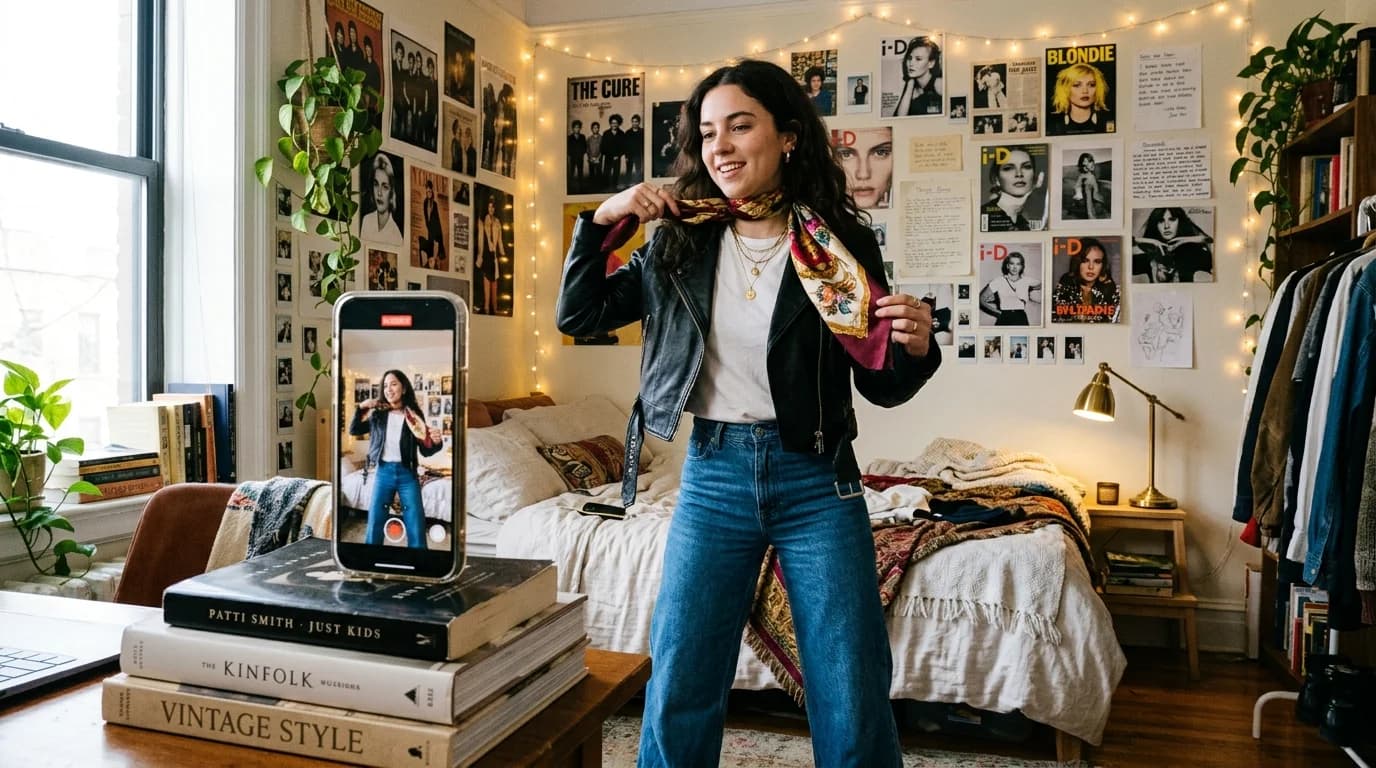
Short-form video is where AI fashion generation makes the most sense right now. The format forgives a lot: 5-15 seconds, vertical frame, stylized content expected. Viewers scroll fast. They don't scrutinize. AI artifacts that would ruin a lookbook disappear on TikTok because nobody pauses to inspect the stitching.
"Forgiving" does not mean "easy," though. Content that performs on TikTok and Reels follows specific patterns, and AI generation has specific strengths. Match those up and you get fashion content that grabs attention for far less than a video shoot costs.
What follows is a breakdown of AI fashion video formats that work on social, based on what current models actually handle well.
The formats that work
Fabric motion clips (3-5 seconds)
The single best use of AI fashion video for social. A silk charmeuse dress caught by the wind. A pleated skirt swinging with a turn. Organza ruffles bouncing on a walk. Short, hypnotic, easy to share.
Fabric in motion holds attention on its own, and the short duration hides generation drift. The result reads as intentionally artistic rather than a failed attempt at real footage. The fabric behavior rules still apply: stick to fabrics the AI handles well, keep clips under 5 seconds.
To produce them: describe the garment precisely, specify "fabric catching movement" or "fabric flowing with gentle breeze," hold the camera relatively static, and set duration to 3-5 seconds.
Garment reveal sequences (5-8 seconds, 2 clips)
Start on a macro detail: a French seam, a fabric swatch, a button. Then cut to the full garment. The detail shot builds curiosity. The reveal pays it off.
Generate each clip separately. The detail shot is close-up, static camera, well-lit. The reveal is wider, maybe a slow pull-back. Edit them together with a hard cut or a quick zoom transition.
This follows the pattern TikTok rewards: an extreme close-up of texture in the first frame, then the full garment. Two simple clips, each within AI's comfort zone.
Style comparison loops (8-12 seconds, 2-3 clips)
Same silhouette, different execution. A column dress in jersey, then crepe, then velvet. Or the same fabric in three colors. Viewers see the difference immediately, which keeps them watching.
These are the same prompt with one variable swapped. The AI produces consistent silhouettes when the description stays identical except for the changed element. Cut between them with matched timing and the loop plays on repeat.
Before/after transformation (5-8 seconds, 2 clips)
Show a rough concept (a sketch, a mood board crop, a flat lay) then cut to the AI-generated result. The transformation is the hook. Viewers love seeing the process, and this format puts it front and center.
The "before" can be a real photo of your actual sketch or mood board. The "after" is the AI generation. Mixing real and generated footage works fine for social.
What to avoid on social
Full outfit videos over 10 seconds. Quality degrades. Viewers bail. Social algorithms favor completion rate, so a 5-second clip watched twice beats a 15-second clip abandoned halfway.
Walking sequences with complex movement. A model striding down a hallway sounds great on paper but requires coordinated leg movement, fabric physics, and consistent proportions across 60+ frames. Current AI can't sustain it. Use slow, minimal movement instead.
Text baked into the generation. AI-rendered text still warps and drifts. Add all text in your editing app. Captions, titles, CTAs: all in post.
Multi-model scenes. Two people in frame creates occlusion problems where the AI confuses garments between bodies. One model per clip.
Technical specs
Aspect ratio: 9:16 vertical for TikTok and Reels. Some AI models default to 16:9, so you'll either generate in vertical or crop in post. Cropping horizontal to vertical loses the sides. Plan your composition for center-frame subjects.
Resolution: 1080x1920 minimum. Most AI video models output at this resolution or higher. Don't upscale low-res generations. Upscaling just makes the artifacts easier to spot.
Frame rate: 30fps is standard for social. Some AI models output at 24fps, which looks fine on TikTok but can feel slightly sluggish on Reels. Check your platform's preference.
Duration sweet spot: 5-8 seconds per finished piece for single-concept clips. 12-15 seconds for multi-clip sequences (reveal, comparison). Both TikTok and Reels favor content that loops well. End where you began and you encourage replay.
The production workflow
Storyboard first, even for social. A 5-second TikTok still needs 1-2 planned shots. Write the shot card, describe the garment with precise fashion vocabulary, and specify camera and lighting.
Budget 3-5 attempts per usable clip. Review each generation for fabric behavior, hand rendering, and face consistency. Reject anything with obvious artifacts. You want the best take, not the first one.
Edit in a vertical-first app. CapCut (owned by ByteDance) is the standard for TikTok. Add music, text overlays, and transitions in post. The AI generates raw material; the edit makes it perform.
Keep hashtags to 3-5 targeted ones: the garment type, the fabric, the aesthetic. That outperforms 30 generic tags. TikTok's algorithm evaluates the content, not the metadata.
FAQ
What type of AI fashion video performs best on TikTok?
Fabric motion clips at 3-5 seconds. The movement holds attention on its own, the short duration hides generation issues, and the content reads as intentionally artistic. Style comparisons and garment reveals also do well because they give viewers a reason to rewatch.
What resolution and format should AI fashion videos be for Reels?
1080x1920 pixels, 9:16 vertical, 30fps. Keep clips to 5-8 seconds for single concepts. Reels favors content that loops cleanly, so consider ending where you begin.
How many generation attempts does a social clip take?
Budget 3-5 attempts per usable clip. Not every generation will be clean. Review for fabric behavior, hand rendering, and face consistency before picking your best take.
Should I add text to AI-generated fashion videos?
Yes, but always in post-production. Never generate text within the AI video itself: it warps and drifts. Use your editing app (CapCut, Premiere, etc.) for all captions, titles, and calls to action.